Experiencing issues with your iPhone 14 not charging can be frustrating, especially when you rely on it daily. Several factors could be causing this problem, but the good news is that many of these issues can be resolved quickly and easily. If you’re experiencing trouble with your charging port, consider checking out the iPhone 14 charger port for high-quality replacement parts. Let’s explore the main reasons your iPhone 14 might not be charging and the quick fixes you can try to get it back up and running.
Dirty or Damaged Charging Port

One of the most common reasons your iPhone 14 might not be charging is due to a dirty or damaged charging port. Dust, lint, and debris can accumulate in the port, blocking the connection between your charger and the device.
To clean the charging port, first, turn off your iPhone to avoid any potential damage. Using a flashlight, inspect the inside of the port to check for any visible debris. Carefully use a small, soft-bristled brush or a toothpick to gently remove any particles. Be cautious not to damage the port while cleaning.
Alternatively, you can use compressed air to blow out any dust or lint. Hold the can upright and use short bursts to avoid moisture getting into the port. If cleaning the port doesn’t resolve the issue, the charging port itself might be damaged, in which case, replacing it with a high-quality iPhone 14 charger port could be a solution.
Faulty Charging Cable or Adapter

Another frequent culprit is a faulty charging cable or adapter. Over time, cables can wear out, and adapters can fail.
To test your cable and adapter, try using another charging cable that you know works with another device. If your iPhone charges with a different cable, your original cable might be faulty. Inspect the cable for any signs of wear and tear, such as frayed wires or bent connectors. Similarly, use a different power adapter to see if that resolves the issue. Sometimes the adapter can be the problem rather than the cable. Additionally, plug your charger into a different power outlet or USB port to rule out issues with the power source.
Software Issues
Sometimes, the issue might not be hardware-related but due to software glitches. Restarting your iPhone can often resolve minor software glitches that might be preventing it from charging.
To restart your iPhone, press and hold the power button until the “slide to power off” slider appears. Slide the slider to turn off your device, then press and hold the power button again until you see the Apple logo to turn it back on. Keeping your iPhone’s software up-to-date can also help prevent charging issues. Open the Settings app on your iPhone, tap on “General,” then “Software Update.” If an update is available, download and install it.
Battery Health
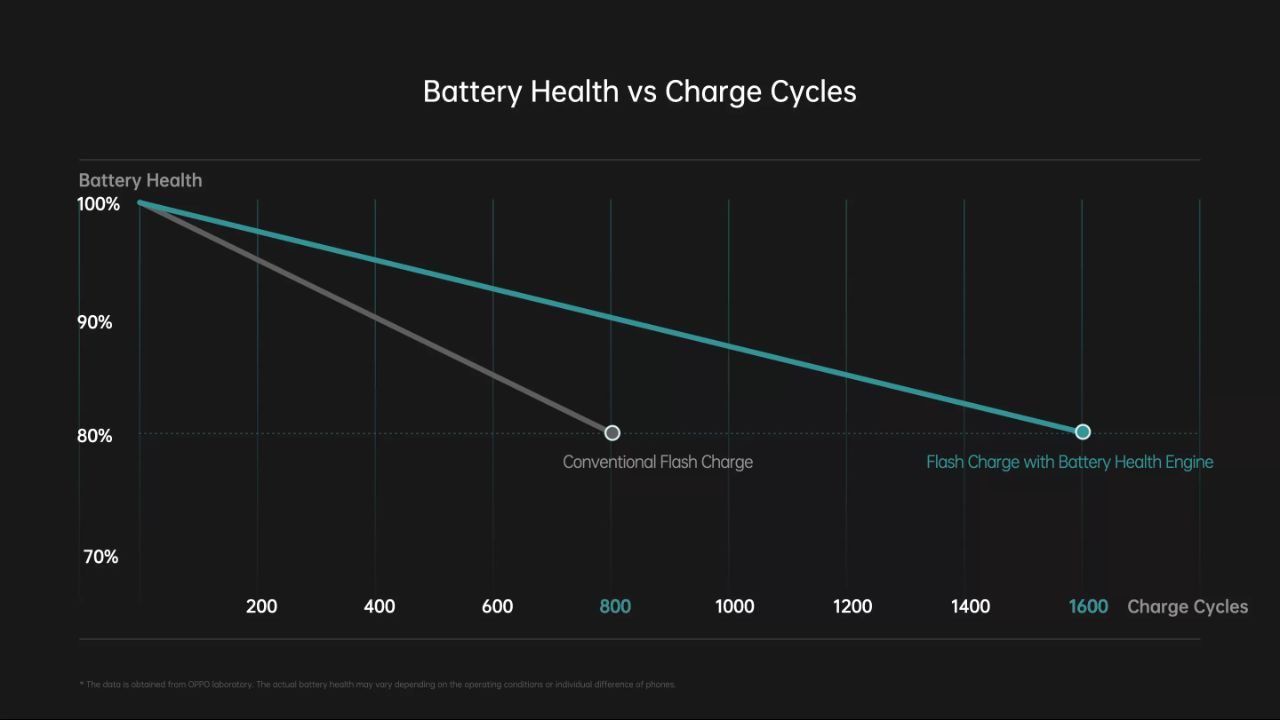
Over time, the battery health of your iPhone can degrade, leading to charging problems.
To check your battery health, open the Settings app, go to “Battery,” and then “Battery Health.” If your battery’s maximum capacity is significantly reduced, it might be time to replace it. If your battery health is poor, consider getting a battery replacement. Apple offers battery replacement services, or you can visit a trusted third-party repair service.
Overheating Issues
iPhones are designed to stop charging temporarily if they get too hot to prevent damage. If your iPhone feels unusually warm, this might be why it’s not charging.
To cool down your iPhone, remove any case it’s in to help dissipate heat. Place your iPhone in a cooler environment and let it cool down before trying to charge it again. Avoid direct sunlight and other sources of heat.
Hardware Problems
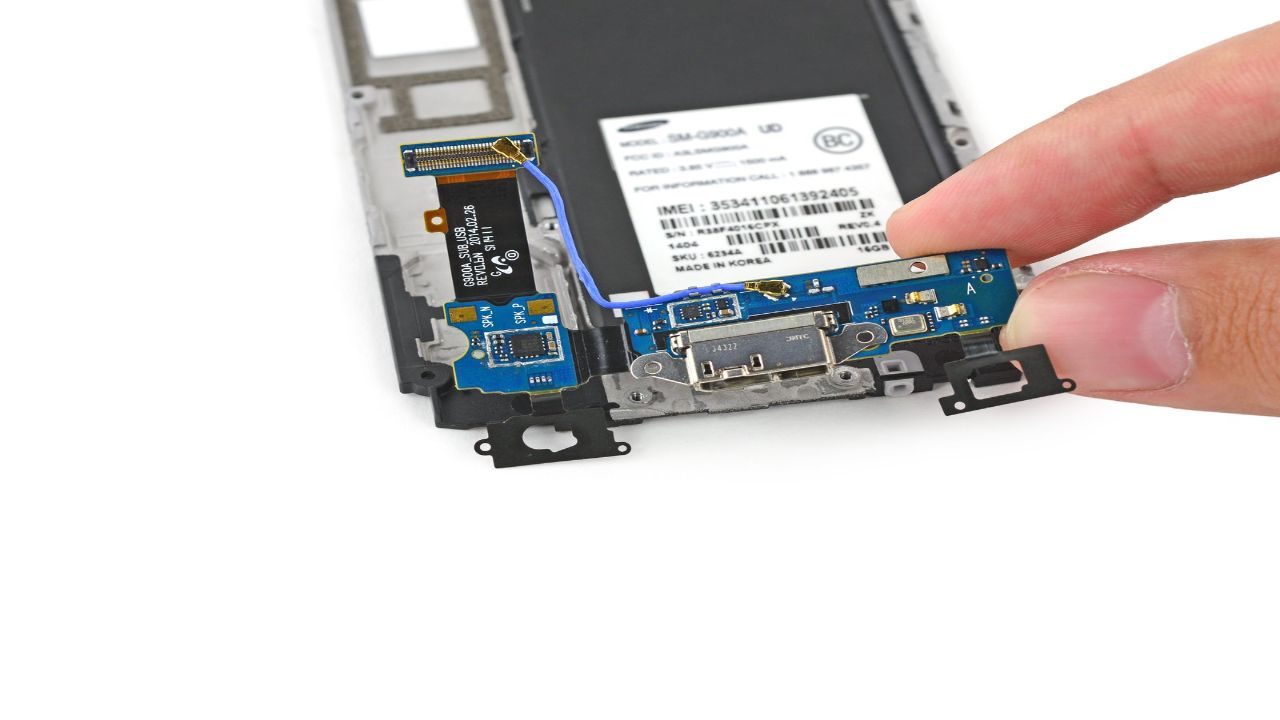
If you’ve tried all the above fixes and your iPhone 14 still isn’t charging, there might be a deeper hardware issue.
For persistent issues, visiting an Apple Store or an authorized service provider is advisable. They can diagnose and fix hardware problems that you might not be able to address on your own. Professional technicians have the tools and expertise to identify and repair issues that may be beyond your ability to fix at home.
To Sum Up
An iPhone 14 not charging can be a significant inconvenience, but with these tips and tricks, you can often resolve the issue quickly. Whether it’s cleaning the charging port, testing different cables, or addressing software glitches, these solutions cover the most common problems. Remember, if all else fails, seeking professional help from an Apple Store or an authorized service provider is the best course of action.
By addressing these potential causes and solutions, you can ensure that your iPhone 14 stays powered and ready for use. For any hardware replacement needs, like a charging port, don’t forget to check out NexusCellular for high-quality parts that can help you get your device back to its optimal condition.